
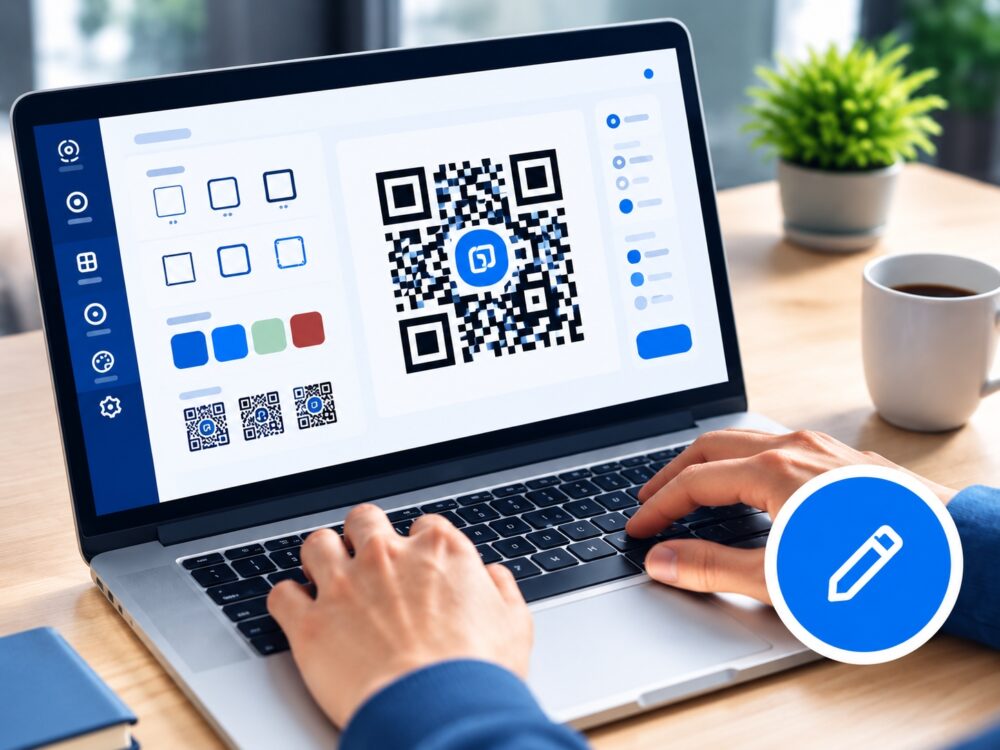
Create
Choose a type, add your link or content, and design your QR code.
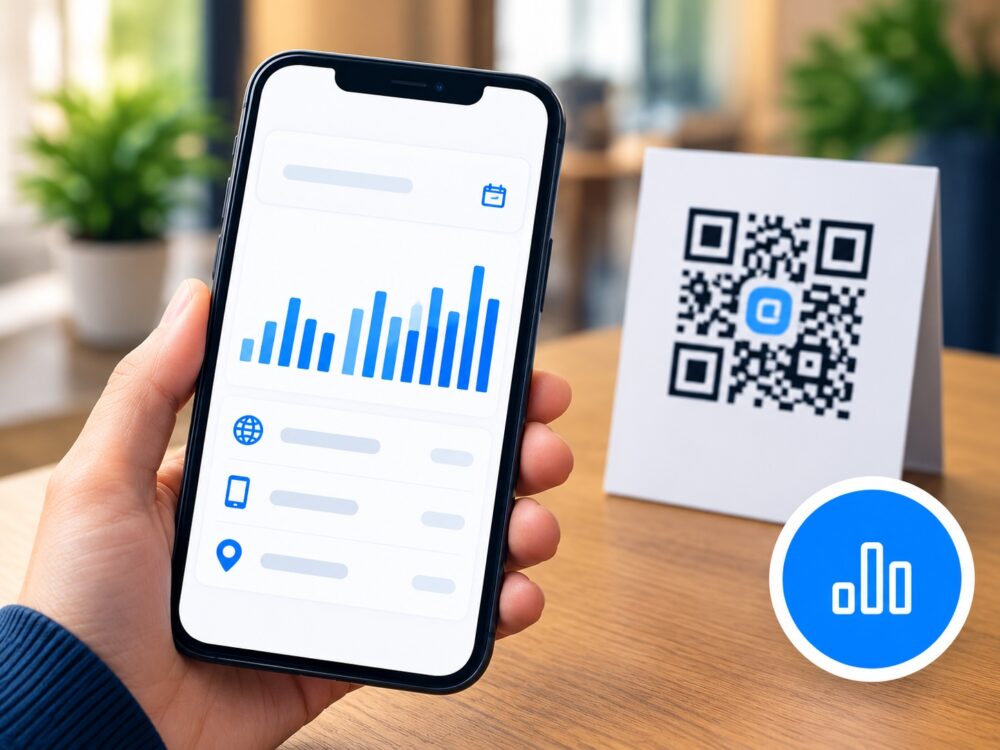
Track
See real-time scans, device types, locations and more.
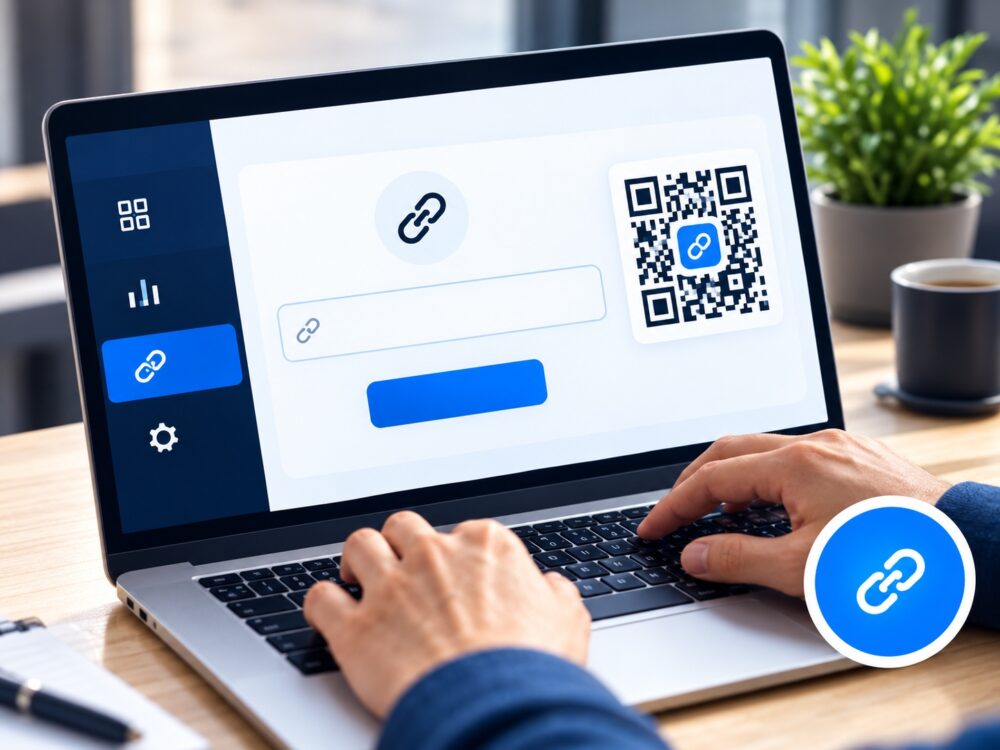
Update
Change where it points anytime, even after it’s printed.
Choose QR Mode
The designer you choose determines the QR type. Your licence controls permission only and never converts an existing QR code.
Design your Static QR code
The destination is encoded directly in the image. It is fixed after creation/download, never redirects through EasyTools and has no Dynamic analytics.
Create a Dynamic QR code
The QR pattern points to an EasyTools redirect, so you can change its destination later and review scan analytics.
Print once. Keep your destination current.
Your saved QR uses the same link while you update its destination in your account.
Flexible destinations
Change the URL after printing. Includes Static QR Plus design features.
Scan insights
Track scans, devices and available location data with CSV analytics export.
Ready for print
Download PNG, JPG and SVG files from your saved QR library.
Active Dynamic codes
Up to 10 active Dynamic QR codes with unlimited scans on Dynamic QR Pro.
Your analytics start with your first scan
Your QR library displays the real scan information collected for each Dynamic QR code.
See every scan in real time
Track totals over time, device types and scan locations from your Dynamic QR analytics dashboard.
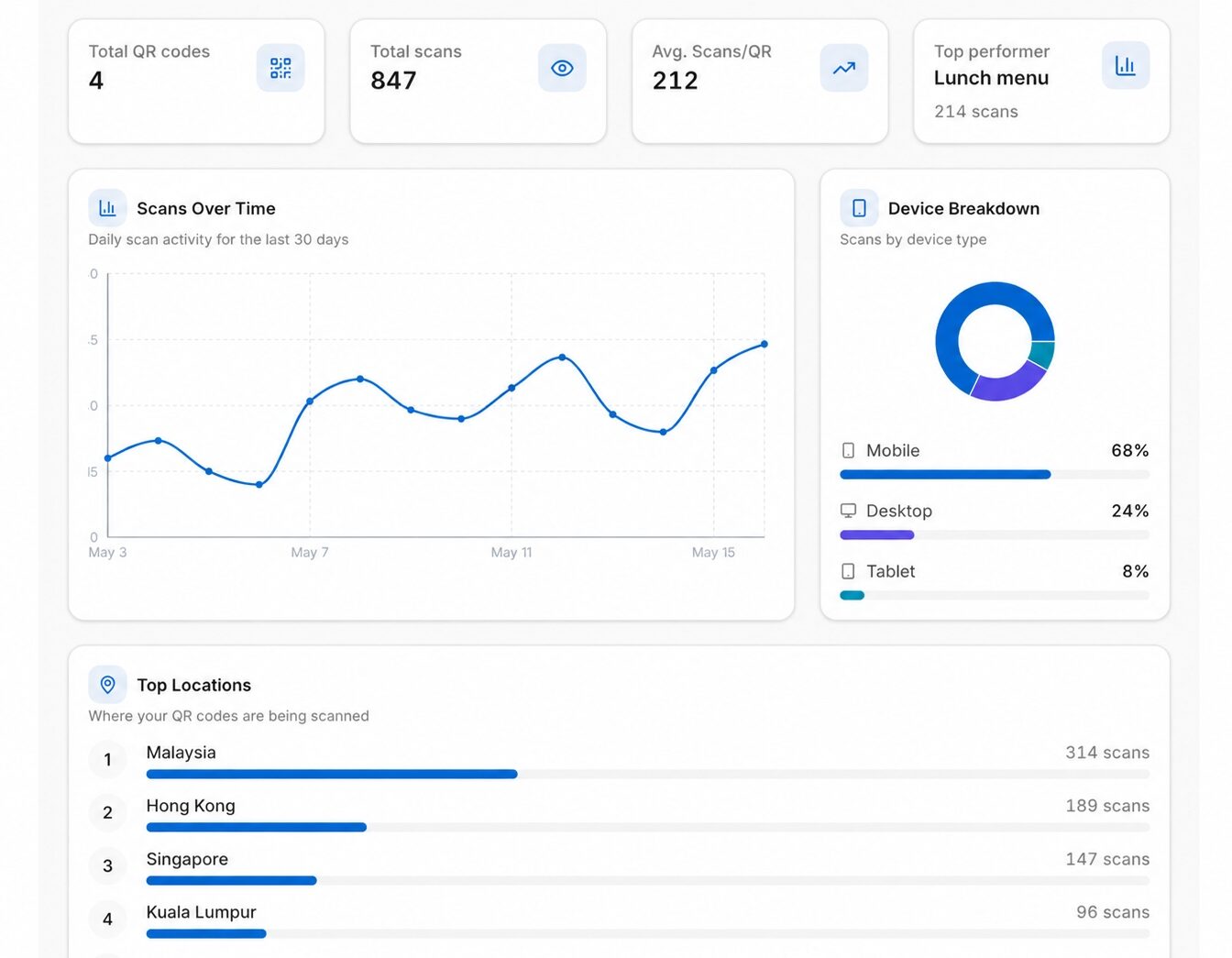
Sample analytics preview. Your real scan results appear in My QR Codes after your Dynamic QR receives scans.
Dynamic QR Pro
Only the plan for your selected QR mode is shown here.
Dynamic QR Pro
For products, menus, posters and campaigns that may need updates later.
Get Dynamic QR ProFeatures included
Important: Dynamic QR redirects and analytics require an active Dynamic QR Pro plan.
Dynamic QR Pro FAQ
Quick answers about changing links, tracking scans and managing Dynamic QR codes.
What is a Dynamic QR code?
A Dynamic QR code lets you change where the QR points later without printing a new QR code.
Can I change the link after printing?
Yes. Update the destination in My QR Codes and the printed QR code stays the same.
How many Dynamic QR codes can I have?
Dynamic QR Pro supports up to 10 active Dynamic QR codes.
Can I track QR scans?
Yes. Dynamic QR Pro records scan totals and available analytics such as device and location information.
Are scans unlimited?
Yes. Dynamic QR Pro supports unlimited scans while the Dynamic QR service is active.
Can I design before paying?
Yes. You can design and preview first. Registration and an active plan are required when you save or download the final Dynamic QR.
What are folders for?
Folders are optional and help organize QR codes by client, campaign or project.
What happens if my Dynamic QR plan expires?
Dynamic redirects and analytics require an active Dynamic QR Pro plan.