
What do you need today?
Choose the closest option. You can change it later when you submit the request.
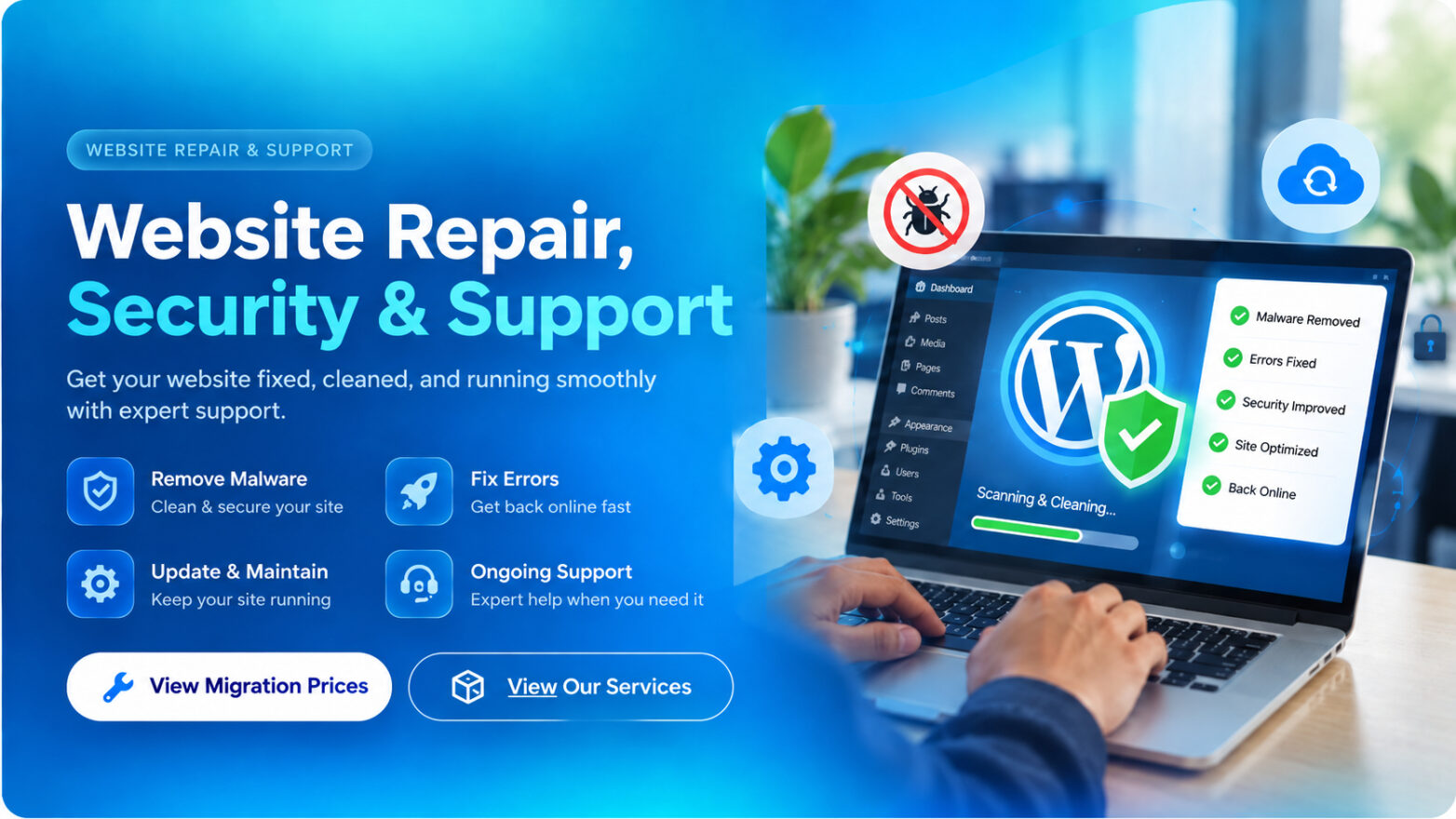
One place for the website problems that interrupt your business.
Start with the problem you can see. We help diagnose the cause, explain the work and move toward a safe fix.
Website Repair
Fix WordPress errors, broken pages, failed updates, missing content and common website problems.
Malware & Hack Cleanup
Review suspicious website behaviour, remove malicious code where confirmed and help secure the site after cleanup.
Security Hardening
Improve WordPress security, admin access, update practices and other practical protections.
Speed & Stability
Investigate slow pages, plugin conflicts, cache problems and common performance bottlenecks.
Managed Migration
Move a WordPress website between hosting accounts with files, database and post-migration checks.
Domain, DNS & SSL
Help with domain connection, DNS records, HTTPS/SSL problems and website routing issues.
Need us to move the website for you?
Choose by total website backup size. These are managed migration service prices for WordPress websites. Sites above 2 GB or requiring special server work receive a custom quotation.
RM99.00
For WordPress website backups up to 500 MB.
- Up to 500 MB total package
- WordPress files and database
- Move to the new hosting account
- Basic URL and login check
- Post-migration website check
RM160.00
For WordPress website backups above 500 MB and up to 1 GB.
- Above 500 MB up to 1 GB
- Everything in Small Migration
- Database and media verification
- Domain / DNS guidance if required
- Post-migration website check
RM220.00
For WordPress website backups above 1 GB and up to 2 GB.
- Above 1 GB up to 2 GB
- Everything in Standard Migration
- Large-file transfer handling
- Database and media verification
- Post-migration website check
| Feature | Small MigrationRM99.00 | Standard MigrationRM160.00 | Large MigrationRM220.00 |
|---|---|---|---|
| Up to 500 MB total package | Yes | Yes | Yes |
| WordPress files and database | Yes | Yes | Yes |
| Move to the new hosting account | Yes | Yes | Yes |
| Basic URL and login check | Yes | Yes | Yes |
| Post-migration website check | Yes | Yes | Yes |
| Above 500 MB up to 1 GB | — | Yes | Yes |
| Database and media verification | — | Yes | Yes |
| Domain / DNS guidance if required | — | Yes | Yes |
| Above 1 GB up to 2 GB | — | — | Yes |
| Large-file transfer handling | — | — | Yes |
A clear repair process from problem to resolution.
Tell us the problem
Send the website URL, the error you see and any recent change that may be related.
We diagnose first
We review the likely cause and identify what needs to be repaired or moved.
Confirm the scope
For work outside a listed migration tier, we confirm the price and scope before proceeding.
Repair, test and hand back
We complete the approved work, test the important website functions and explain the result.
What we may need before repair or migration begins.
You do not need to send every password at the start. Begin with the website URL and the problem. We will tell you which access is actually required for the approved work.
Website URL + problem details
Send the website address, the error or symptom, screenshots if useful, and when the problem started.
Temporary WordPress access
For most WordPress repairs we need temporary Administrator access. We recommend EasyTools Secure Access so you can send an expiring support link instead of sharing your permanent password.
Hosting access only when required
For migration, malware, database, file, server, SSL or serious error work we may need cPanel, Plesk, hosting panel, SFTP or SSH access.
Domain / DNS access when required
Registrar or Cloudflare access is only needed when the job includes DNS, domain routing, nameserver or SSL connection changes.
Migration destination details
For a managed migration, provide the destination hosting account and confirm where the domain should point after the move.
Recent backup if available
If you already have a recent full backup, keep it available. We may create another backup before changes when the current site and hosting allow it.
Start with the website URL and problem details only. For WordPress access, EasyTools Secure Access is preferred because it can expire automatically and be revoked after the job. Never post passwords in public comments or screenshots.
Do not send your permanent WordPress password.
Install EasyTools Secure Access to create a temporary, expiring support link for WEBSITE DR. The link can be revoked as soon as the work is finished.
Choose the problem. We only show the questions that matter.
No account is required. Choose the service type and WEBSITE DR. will show only the questions related to your problem.
Website access & support questions.
Quick answers about temporary access, migration, downtime and what to send first.
Do you need my WordPress username and password?
For many WordPress repairs we need temporary Administrator access, but you do not need to share your permanent password. The recommended option is EasyTools Secure Access, which lets you create a temporary, expiring access link that can be revoked when the work is finished. You can also create a separate temporary Administrator account if preferred.
Do you also need my hosting username and password?
Not for every job. Hosting access is normally required for migrations, malware cleanup, database or file repairs, server errors, SSL problems, or issues that cannot be fixed safely from WordPress alone.
Do I need to give you my domain or Cloudflare login?
Only when the approved job requires DNS, nameserver, domain routing or SSL changes. If no domain change is needed, we normally do not need that access.
What should I send first?
Start with the website URL, a short description of the problem, any error message or screenshot, and the last time the site worked normally. We will request access after we understand the issue.
What access is needed for a managed migration?
Normally we need WordPress Administrator access, source website or hosting access when necessary, and destination hosting access. Domain or DNS access is only needed when you want us to complete the final domain cutover.
How do you calculate the migration size?
The service tier is based on the total WordPress backup or migration package size, including the site files and database. If the final package is larger than the selected tier, we confirm the new price before continuing.
Will my website be offline during repair or migration?
We try to minimize downtime. Some migrations, DNS changes, server repairs or heavily compromised websites can require temporary maintenance time, and DNS changes can take time to propagate.
Can you guarantee that a hacked website will never be hacked again?
No provider can guarantee that. We can remove confirmed malicious code, repair damage and improve security, but future security also depends on hosting, passwords, WordPress updates, plugins, themes and third-party services.
Do you support websites that are not WordPress?
The listed migration prices are for WordPress websites. Other platforms or custom systems can be reviewed and quoted separately.
What happens after the work is finished?
We check the important areas included in the agreed scope, report the result, and ask you to remove temporary accounts or change any credentials that were shared for the job.
Important terms & conditions before work begins.
These service terms apply to WEBSITE DR. repair, security, troubleshooting and managed migration work unless a written quotation states otherwise.
Read full service terms
- Authorization
You confirm that you own the website or are authorized by the owner to request work and provide access to the website, hosting, domain or related accounts.
- Access credentials
Provide only the access needed for the approved work. Temporary WordPress, hosting or SFTP accounts are preferred. You are responsible for disabling temporary accounts and changing shared passwords after completion.
- Backups
We will preserve existing data and may create a backup when practical, but you should keep your own independent backup. A severely damaged, hacked or resource-limited server may prevent a complete backup.
- Scope and extra work
The quoted price covers only the agreed scope. Additional defects, third-party problems, custom development or work discovered after diagnosis may require a separate quotation and your approval.
- Migration size and pricing
Managed migration pricing is based on the actual full WordPress backup or migration package size. If the package exceeds the selected size tier, we will confirm the applicable price before continuing.
- Third-party services
Hosting companies, registrars, DNS providers, email services, plugins, themes and external APIs are controlled by third parties. Their outages, limits, account restrictions or policy changes are outside WEBSITE DR. control.
- Security work
Malware cleanup and security hardening reduce known risks but cannot guarantee that a website will never be compromised again. Ongoing updates, strong credentials, secure hosting and maintenance remain important.
- Downtime and DNS changes
We aim to minimize interruption, but some repairs or migrations can require maintenance time. DNS and nameserver changes can also take time to propagate across networks.
- Customer data and confidentiality
Access provided for the service is used only for the approved work and troubleshooting. Do not send unnecessary personal, financial or unrelated confidential information with a support request.
- Approval, payment and cancellation
No chargeable work begins until the scope and price are approved. Work already completed or time already spent on an approved repair may not be refundable. Any special refund or cancellation terms in a written quotation take priority.
- Completion and testing
We test the functions included in the agreed scope. Complex websites may contain functions that are not part of the job, so the customer should also review the website after handover and promptly report any scope-related issue.
- Credential reset after service
For security, you should remove temporary users and reset passwords or access keys that were shared after the job is completed, especially after malware or hacked-site work.
Send us the problem. WEBSITE DR. will help you find the next step.
Hacked, broken, slow, offline or moving to a new host — open a support request and include the website URL plus a short description of the issue.