
QR Code Size Guide for Printing, Posters, Packaging, and Screens
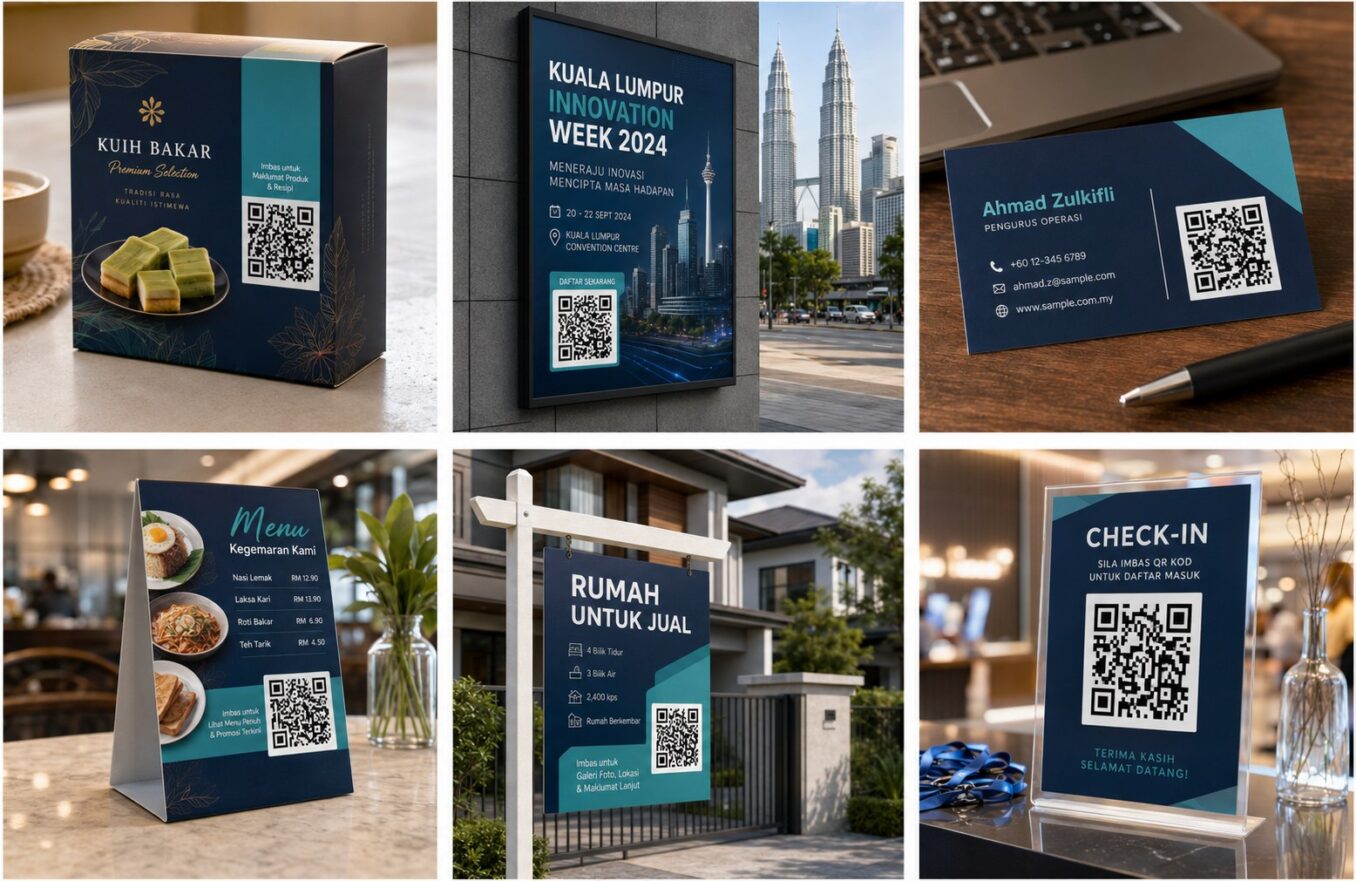
There is no single perfect QR code size. A code on a business card is scanned from a few inches away, while a code on a wall poster may be scanned from several feet away. The correct size depends on distance, module density, contrast, print sharpness, lighting, and the phone camera.
Start With Viewing Distance
The farther away the user stands, the larger the code should be. Treat online rules of thumb as starting points, not guarantees. Create a full-size proof and test from the intended location.
Density Changes the Minimum Size
A code containing a long URL or high error-correction level has smaller modules when placed inside the same overall size. A simple short destination can remain easier to scan at a compact size.
Practical Starting Points
| Use | Typical scan distance | Starting approach |
|---|---|---|
| Business card | Very close | Use a clear compact code and test the printed proof |
| Table menu | Arm’s length | Make it easy to scan without leaning |
| A4 flyer | Close to moderate | Prioritize visibility and a clear label |
| Poster | Several feet | Scale up based on distance |
| Outdoor sign | Longer distance | Use large size, weather resistance, and field testing |
Factors That Require a Larger Code
- Low-quality printer
- Glossy or reflective surface
- Curved packaging
- Long or dense encoded data
- Low light
- Scanning from an angle
- Decorative logo or custom shapes
Preserve the Quiet Zone
The empty margin around the symbol is part of the scanning design. Do not crop it or place text, borders, patterns, or icons directly against the modules.
Use Vector Files for Large Printing
SVG files can scale without becoming blurry. When using PNG, export enough resolution for the final size and avoid repeated resizing or screenshot compression.
Test the Finished Object
A digital preview cannot reproduce print texture, reflections, folds, rounded bottles, or installation height. Test the exact production sample using several phones under realistic conditions.
Frequently Asked Questions
Is there a minimum QR code size?
There is no universal minimum that works for every code and environment. The real test is the final size, density, material, and distance.
Why does a small code work on screen but fail in print?
Printing can blur edges, reduce contrast, crop the quiet zone, or introduce glare.
Should a poster QR code be larger than a business-card code?
Yes, because the expected scanning distance is usually greater.
Does a logo require a larger code?
Often yes, because central artwork removes or obscures modules and increases the need for error correction and testing.
Is SVG better for print?
Usually yes for scalable artwork, provided the design software and printer handle it correctly.
Create Your QR Code with EasyTools
Ready to put this guide into practice? Use the EasyTools QR Code tools to create a clean, scannable code for QR code size guide. Check the destination carefully, test the code on more than one phone, and download the format that best matches your digital or print project.