
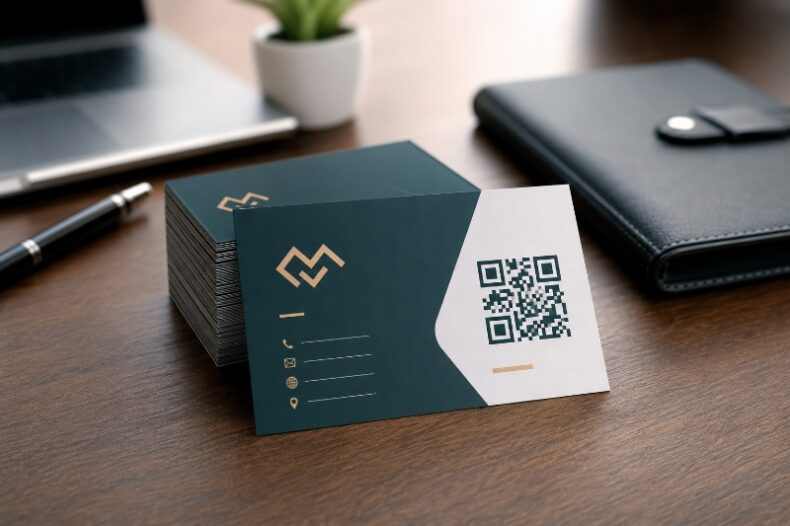
How Do QR Codes Work? A Simple Technical Explanation
When a phone scans a QR code, several technical steps happen almost instantly. The camera captures the square pattern, identifies its orientation, corrects perspective, reads the grid, reconstructs any damaged data, and then presents the encoded result. Understanding these steps helps designers create codes that scan reliably instead of treating every black-and-white square as interchangeable.
The Main Parts of a QR Code
The three prominent corner squares are finder patterns. They tell the scanner that the image contains a QR code and help establish its rotation. Smaller alignment patterns support perspective correction, timing patterns define the grid, and reserved areas contain format or version information. The remaining modules carry the payload and error-correction data.
From Text to Modules
The generator converts the input into a supported encoding mode, adds control information, creates error-correction codewords, places the bits into the matrix, and applies a mask pattern to improve readability. Different inputs create different module arrangements even when the codes look similar to the human eye.
What Affects QR Code Density
| Factor | Effect on the code | Practical advice |
|---|---|---|
| Longer destination | More data and often more modules | Use a clean, short destination when practical |
| Higher error correction | Improves damage tolerance but increases density | Use higher levels when the code may be scratched or branded |
| Version size | Adds more rows and columns | Avoid forcing a dense code into a tiny printed area |
| Character type | Numbers can be encoded efficiently | Do not rewrite important URLs only to chase a smaller symbol |
How the Camera Decodes the Symbol
The scanner first separates the code from its background. It uses the finder patterns to detect corners, corrects for rotation and angle, samples each module, removes the mask, and checks the recovered data. Reed–Solomon error correction can rebuild missing information within limits. The software then identifies whether the content is a URL, text, WiFi profile, or another type.
Conditions That Improve Scanning
- Keep a generous quiet zone around all four sides of the code.
- Use strong contrast between the code and its background.
- Avoid stretching, skewing, or placing a logo over important modules.
- Test the code at the real size and viewing distance before publishing.
- Keep the destination page fast, mobile-friendly, and relevant.
- Avoid glossy glare when the code is placed under strong lighting.
Why Some Codes Scan Faster
Fast-scanning codes usually have a short payload, suitable physical size, high contrast, sharp edges, and enough surrounding space. Slow scans often result from tiny printing, a busy background, low-resolution screenshots, reflective materials, extreme customization, or a landing link that is malformed.
A Practical Testing Method
Test the raw downloaded code first. Then test it inside the final design on at least two phone models. For print, create a proof at actual size and test from the intended distance. For outdoor signs, test under bright light and at an angle. The final artwork—not only the source QR image—must pass the scan test.
Frequently Asked Questions
What are the three large squares for?
They are finder patterns used to locate the code and determine its orientation.
What is QR code error correction?
It is additional encoded information that helps reconstruct data when part of the symbol is damaged or obscured.
Why does a long URL create a denser code?
More characters require more encoded data, which usually adds modules or increases the QR version.
Can a scanner read a code at an angle?
Usually yes, because perspective correction and alignment patterns help, but severe distortion can still cause failure.
Does color change the data?
Color does not change the encoded data, but poor contrast can prevent the scanner from distinguishing modules.
Create Your QR Code with EasyTools
Ready to put this guide into practice? Use the EasyTools QR Code tools to create a clean, scannable code for a reliable digital or printed QR experience. Check the destination carefully, test the code on more than one phone, and download the format that best matches your digital or print project.