
EasyTools Secure Access
Secure temporary WordPress access without sharing passwords. Give a trusted technician time-limited access for migration, repair, security work or maintenance, then let it expire automatically or revoke it instantly.
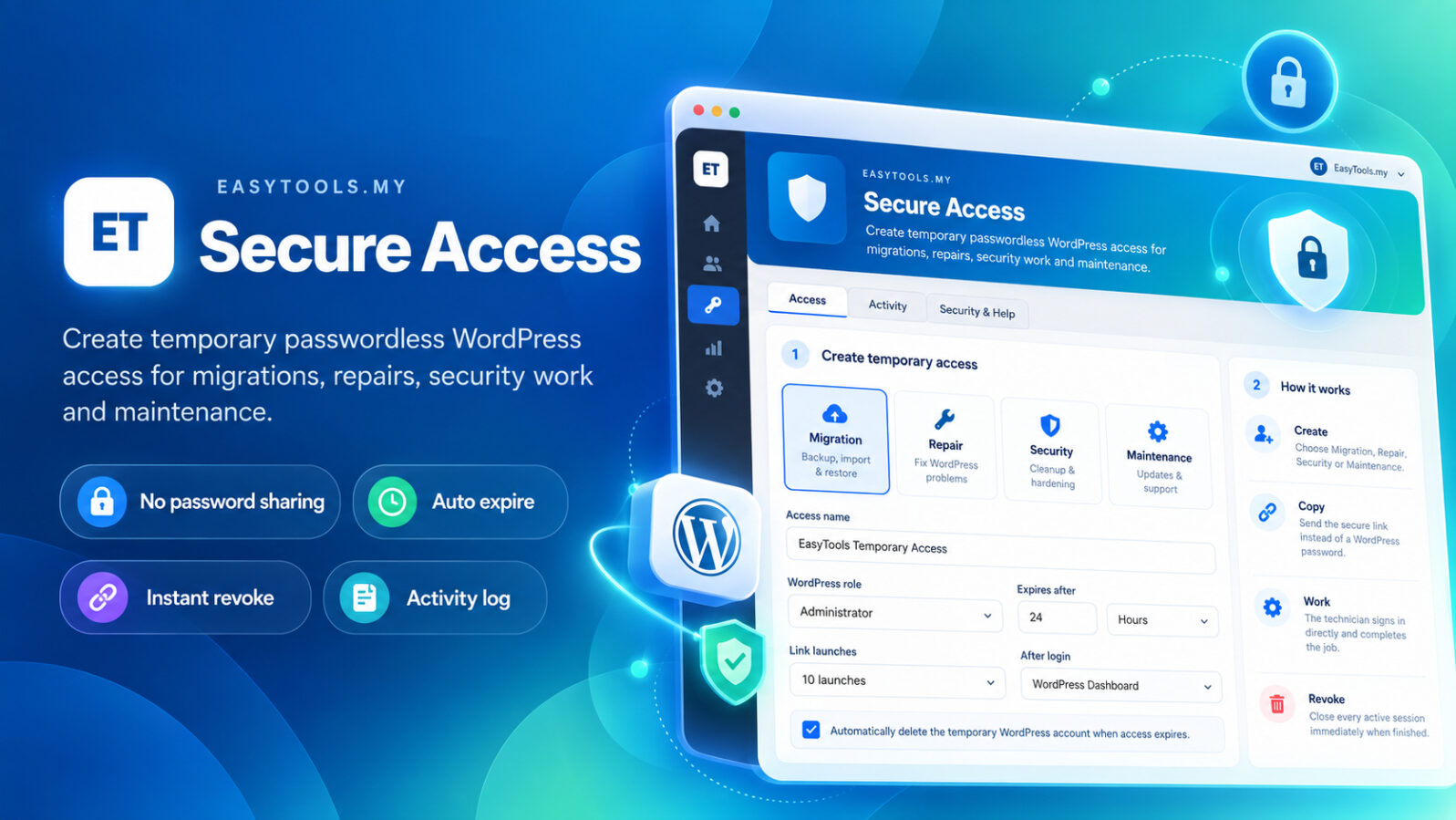
One secure access workflow for the jobs technicians actually do.
Create the right temporary access preset instead of sharing your normal administrator password.
Migration
Give a migration specialist temporary Administrator access while moving or validating a WordPress website.
Repair
Open short-term access for plugin errors, broken pages, critical errors or other technical repair work.
Security
Allow trusted security work such as malware cleanup, integrity checks and post-cleanup hardening.
Maintenance
Create a longer but still expiring window for updates, checks and routine WordPress maintenance.
Install → Create Access → Send Link → Auto Expire
The permanent administrator password stays private while the temporary account is controlled from your WordPress dashboard.
Install
Install and activate EasyTools Secure Access from the free ZIP package.
Create Access
Choose Migration, Repair, Security, Maintenance or Custom, then set the expiry and allowed launches.
Send Link
Copy the generated passwordless link and send it only to the trusted technician doing the work.
Auto Expire
Let access expire automatically, or revoke it instantly and destroy active sessions when the work is finished.
A simple admin workflow your customer can understand.
The plugin keeps access management inside WordPress with EasyTools.my branding and a separate activity view.
Choose the job type
Each preset starts with practical access timing and launch limits that can still be adjusted.
Temporary access is active and time-limited.
Important access events are added to the activity trail.
Sessions can be destroyed immediately when support is complete.
Designed to reduce permanent-credential sharing.
Temporary access is still powerful WordPress access, so only send links to technicians you trust.
No password sharing
The technician uses the secure temporary link instead of asking for your permanent administrator password.
SHA-256 token hashing
The usable link secret is not stored in plain text by the plugin.
Expiration controls
Set minutes, hours or days with practical limits, then allow access to expire automatically.
Instant revoke
Close an access record immediately and destroy active WordPress sessions for that temporary user.
Launch limits
Optionally limit how many times the generated secure link can be launched.
Activity trail
Keep a record of access events plus major plugin and theme maintenance activity.
No permanent password needs to be passed around.
Temporary users cannot use ordinary password login or password reset, and they are blocked from normal WordPress user management and from managing EasyTools Secure Access itself.
Perfect for website migration and technical support.
Use Secure Access to give the technician a controlled login window, then use EasyTools Site Migrator for the actual backup, transfer and restore workflow.
EasyTools Secure Access FAQ
Does the technician need my WordPress password?
No. The plugin creates a separate temporary WordPress user and a passwordless secure link. Your normal administrator password does not need to be shared.
Can I revoke access before it expires?
Yes. Revoke the access from EasyTools Access and the plugin destroys active sessions for that temporary user.
Can I choose how long access lasts?
Yes. The plugin supports minute, hour and day expiry settings within a controlled maximum window.
Can I limit how many times the link is used?
Yes. You can set a maximum link-launch count when creating the temporary access.
Does the plugin keep an activity log?
Yes. It keeps an activity trail for access events and selected plugin/theme maintenance activity.
Is temporary Administrator access completely risk-free?
No. Administrator access is powerful even when temporary. Only grant it to a technician you trust, use the shortest practical expiry and revoke it when the work is complete.
EasyTools Secure Access v1.0.0
Install the free WordPress plugin and create your first temporary support link in minutes.