
Move WordPress sites with confidence.
Back up, transfer and restore WordPress websites with guided package checks, resumable progress and a clear restore workflow built for real hosting environments.
Choose the plan that matches your site size.
Start free, then upgrade only when you need a larger migration package. Your hosting server must still have enough storage and resources for the restore.
RM0
For smaller WordPress websites and progressive testing.
- Packages up to 500 MB
- Complete backup and restore
- Package validation
- Resume support
- No account required
RM30/year
For medium WordPress websites.
- Packages up to 2 GB
- Everything in Free
- Standard licence for 1 year
- Annual renewal
- Member download access
RM59/year
For packages above 2 GB and larger migrations.
- Packages above 2 GB
- Everything in Standard
- Pro entitlement for 1 year
- Updates and support
- Member licence management
| Feature | FreeRM0 | StandardRM30/year | ProRM59/year |
|---|---|---|---|
| Packages up to 500 MB | Yes | Yes | Yes |
| Complete backup and restore | Yes | Yes | Yes |
| Package validation | Yes | Yes | Yes |
| Resume support | Yes | Yes | Yes |
| No account required | Yes | Yes | Yes |
| Packages up to 2 GB | — | Yes | Yes |
| Standard licence for 1 year | — | Yes | Yes |
| Annual renewal | — | Yes | Yes |
| Member download access | — | Yes | Yes |
| Packages above 2 GB | — | — | Yes |
| Pro entitlement for 1 year | — | — | Yes |
| Updates and support | — | — | Yes |
| Member licence management | — | — | Yes |
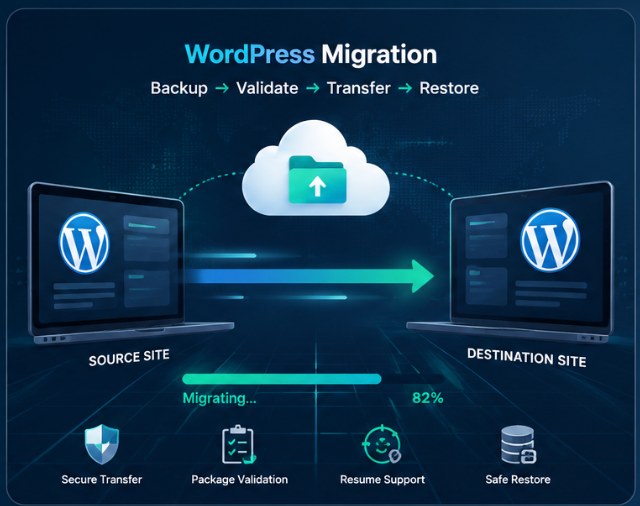
A guided migration workflow from export to restore.
Built to be practical, reliable and easy to use.
Complete export
Package the database, plugins, themes, uploads and WordPress files.
Backup checks
Verify package structure and integrity before starting a restore.
Chunked upload
Upload larger packages in manageable chunks when the browser limit is small.
Resume support
Continue interrupted checks and restore work from saved progress.
Live restore report
Follow the stage, current task, batch and progress while restoring.
Server-aware modes
Auto, Safe and Balanced modes adapt the restore to the server profile.
A simple process from start to finish.
Export the source site
Create a complete EasyTools migration package.
Install WordPress at the destination
Use a new or staging WordPress installation first.
Upload and check the package
Confirm the backup reaches 100% validation.
Restore and test
Restore the site, then test login, pages, images, forms and permalinks.
Professional tools without unnecessary complexity.
Ready to move a WordPress website?
Start with the Free version, then upgrade only when the package size requires it.