
QR Code Generator Malaysia
Create polished QR codes for URLs, WiFi, PDFs, contact cards, apps, messages, social profiles and business campaigns. Design, preview, test and download directly in your browser.
Choose Static QR Plus or Dynamic QR Pro
Prices, features and limits below are published directly from EasyTools Wallet → Plans & Pricing.
Static QR Plus
For professional static QR creation and print-ready exports.
- Unlimited static QR codes
- Static QR codes never expire
- Premium-resolution PNG downloads
- SVG downloads for printing
- Saved member QR library and re-downloads
- Logo, colours and frames
- No advertisements
Dynamic QR Pro
For products, menus, posters and campaigns that may need updates later.
- Everything in Static QR Plus
- Up to 10 active dynamic QR codes
- Change destination after printing
- Unlimited scans
- Basic scan analytics
- Device and country reports
- CSV analytics export
- PNG, JPG and SVG downloads
| Feature | Static QR Plus RM19/year | Dynamic QR Pro RM49/year |
|---|---|---|
| Static QR creation | Yes | Yes |
| Static QR expiry | Never | Never |
| PNG / JPG download | Yes | Yes |
| Premium-resolution PNG / SVG | Yes | Yes |
| Change destination after printing | No | Yes |
| Active dynamic QR codes | 2 | Up to 10 |
| Scan analytics and CSV export | No | Yes |
Important: Static QR codes already downloaded continue working permanently even when a paid plan ends. Dynamic QR redirects and analytics require an active Dynamic QR Pro plan.
URL, PDF, multi-link, contact, app, message or social profile.
Adjust colours, frames and logo-ready presentation.
Preview the scan result before publishing or printing.
Create a QR Code in 3 Easy Steps
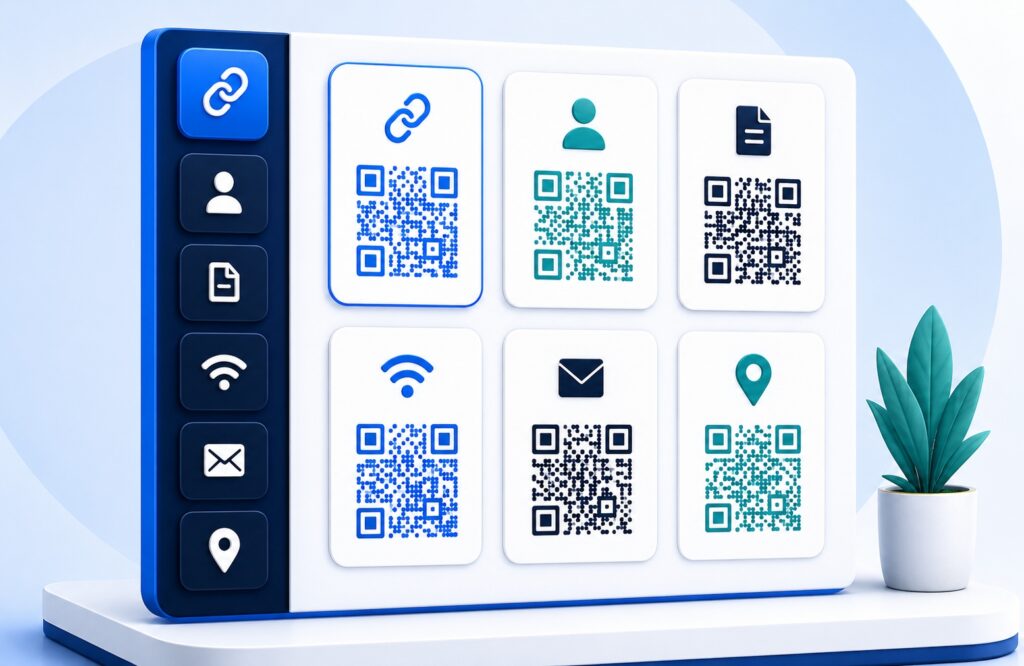
Choose Your QR Type
Select URL, PDF, multi-link, contact, text, app, SMS, email, phone or social.
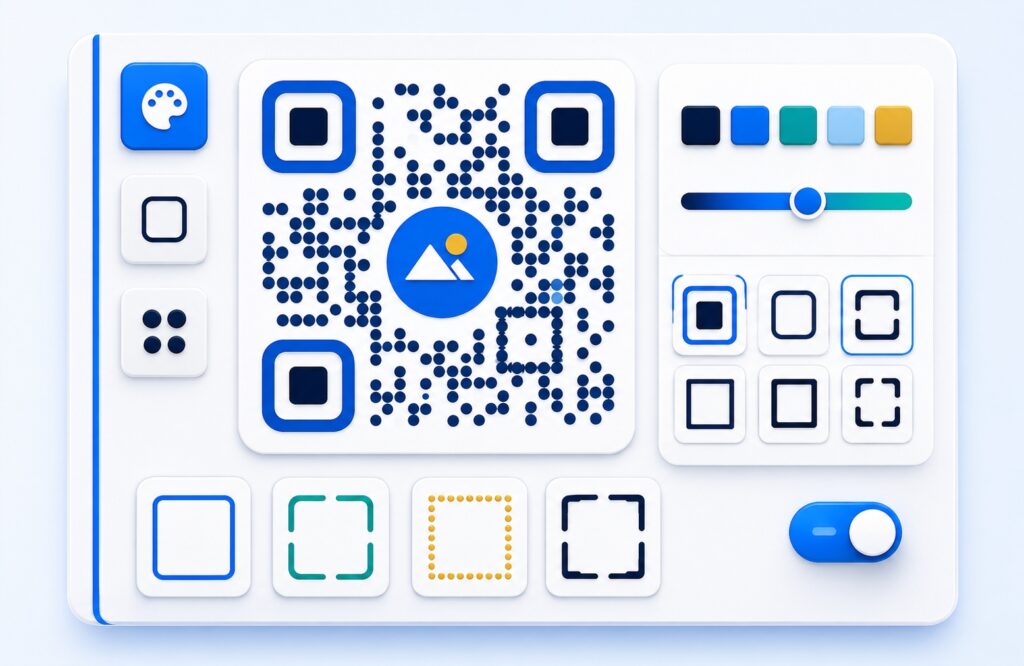
Customise Your Design
Choose colours, frames and shapes. Members can add a logo and access premium download options.
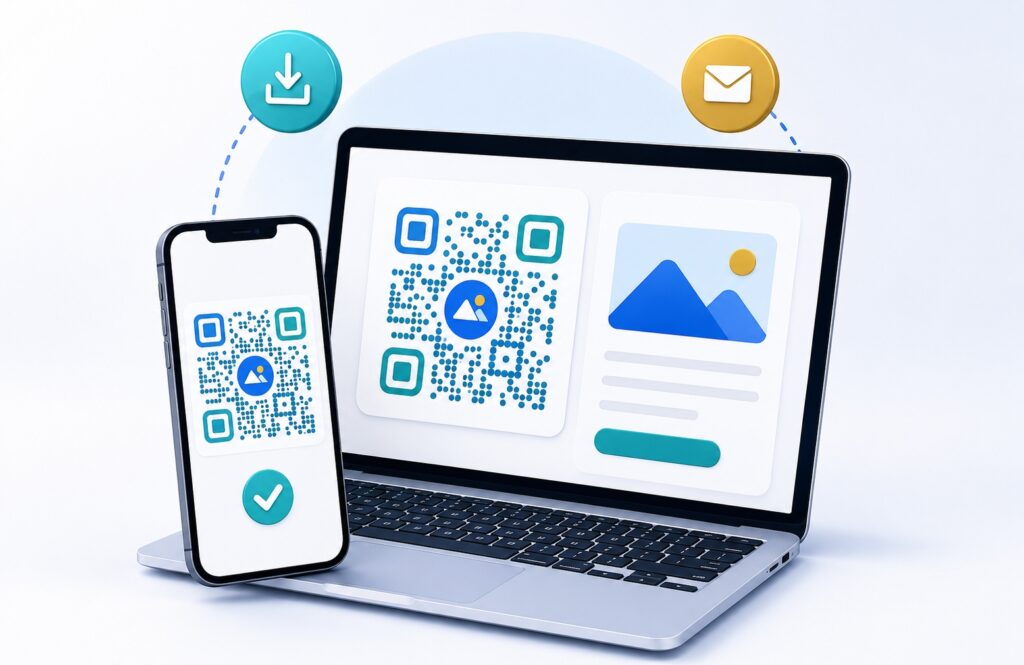
Download and Share
Preview and test your QR code, then download it in an available format.
QR Code Types Available
URL
Send scanners to a website, menu, catalogue, campaign page or booking form.
Choose QR PlanOpen a public brochure, menu, guide, price list or other PDF file.
Choose QR PlanMulti-URL
Place several useful destination links together in one scannable code.
Choose QR PlanContact
Share name, phone, email, company and website details from one scan.
Choose QR PlanPlain Text
Create a simple QR code for notes, instructions or short messages.
Choose QR PlanApp
Direct mobile visitors to your app download or product page.
Choose QR PlanSMS
Prepare an SMS number and message for quick mobile responses.
Choose QR PlanOpen a prepared email draft for enquiries, support or feedback.
Choose QR PlanPhone
Make it easier for customers to call your business number.
Choose QR PlanSocial
Connect scanners to a public social profile, channel or community.
Choose QR PlanWhere Can You Use a QR Code?
QR Information and Recommendation Page
 . ')
Packaging
Use QR codes on boxes, inserts and product packs for instructions, support or product pages.
 . ')
Posters & Flyers
Turn printed campaigns into trackable scan points for offers, maps, registrations and WhatsApp links.
 . ')
Business Cards
Let contacts save your details quickly from a premium card, profile or digital vCard experience.
 . ')
Tables & Counters
Place QR codes on counters and tabletops for menus, orders, reviews, membership or payment actions.
QR Codes for Malaysian Businesses
Explore practical ways Malaysian businesses can connect printed materials, counters and customer touchpoints to useful digital information.
Create Your QR Code Today
Choose Static QR Plus for RM19/year, or Dynamic QR Pro for RM49/year when you need editable destinations and analytics.
QR Code Guide/FAQ
Getting Started
Do I need an account to use the QR generator?
You can design and preview your QR code freely without an account. An account is required to purchase a plan and download your QR code in PNG or JPG format.
Do QR codes expire after I download them?
No. Downloaded static QR codes never expire and have no scan limit. The information is stored inside the image itself, so the code keeps working permanently regardless of your plan status.
Will my QR code stop working if my plan expires?
No. A QR code you have already downloaded continues working permanently. Your plan controls access to creation tools and new downloads — it does not affect codes already printed or saved.
Plans & Payment
Are the plan prices annual or a one-time payment?
Static QR Plus is RM19 per year and Dynamic QR Pro is RM49 per year. EasyTools does not automatically charge the following year — renewal is submitted by you when ready.
Do my customers need to pay anything to scan the QR code?
No. Anyone can scan your QR code for free using their phone camera. Only the QR code owner pays for the plan to create and download the code.
Which formats can I download?
PNG and JPG downloads are included with Static QR Plus and Dynamic QR Pro. You can design and preview your QR code for free before purchasing a plan.
Design & Scanning
Can I customise the colours and add my logo?
Yes. The generator lets you change QR and background colours, choose a frame style and upload your own logo. Always test the final QR code before printing to confirm it scans reliably.
Does it work on both iPhone and Android?
Yes. Open the Camera app on any modern iPhone or Android phone, point it at the code and tap the link. No separate scanner app is needed.
My QR code scans on Android but not on iPhone — why?
The iPhone camera is stricter about contrast and the three corner squares. Keep a dark QR colour on a white background, leave the white border intact, do not over-style the corners, and test on an iPhone before printing.